|
Form Navigation
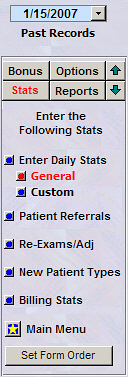
 Direct Access
to any Data Entry Form. Direct Access
to any Data Entry Form.
Form navigation arrows will
move sequentially to other forms in the order defined by you
(fully customizable).
.
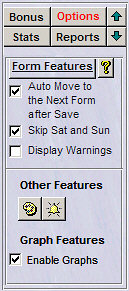
[Options] Menu
Automatically Move to the Next
Data Form during data entry:
Automatically cycling through Data Entry Forms (Multi-Form
Operation):
StarStats™ provides a
convenient Auto Move option of cycling through all data
forms while entering data. The includes the various
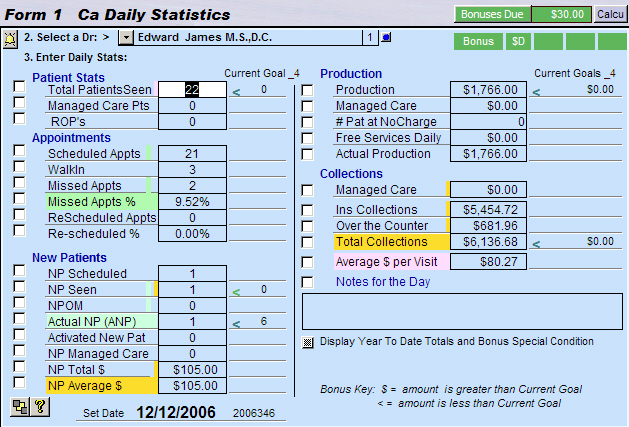
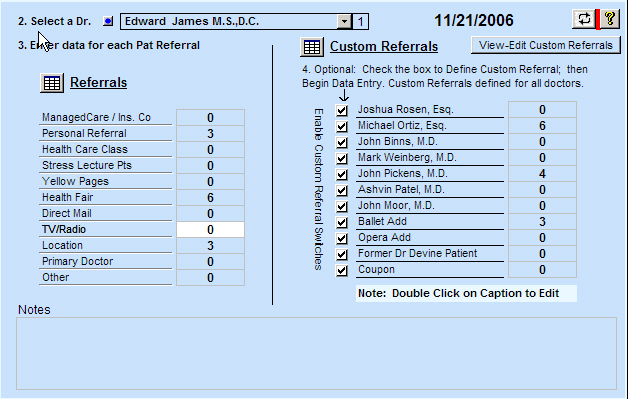
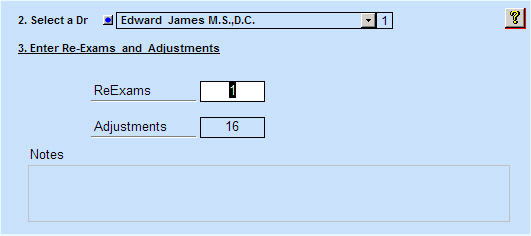
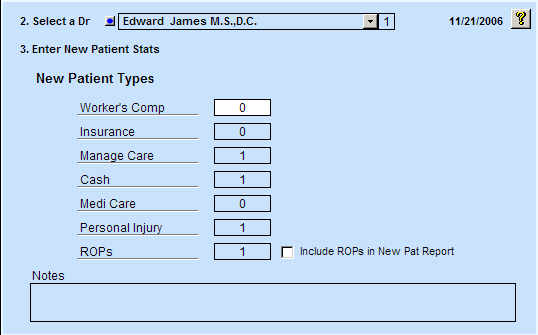
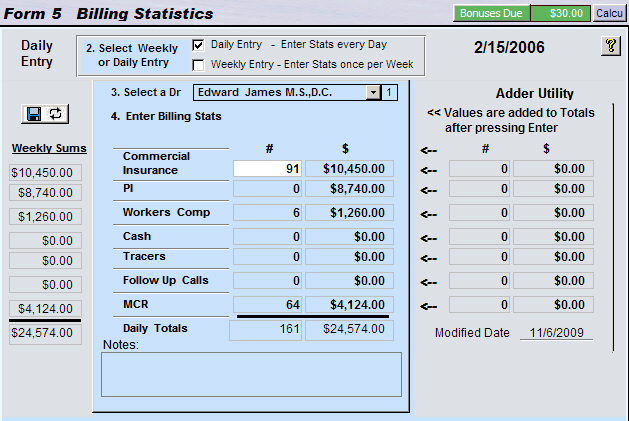
statistics: Daily Stats, Patient Referrals, Exams and Adjustments,
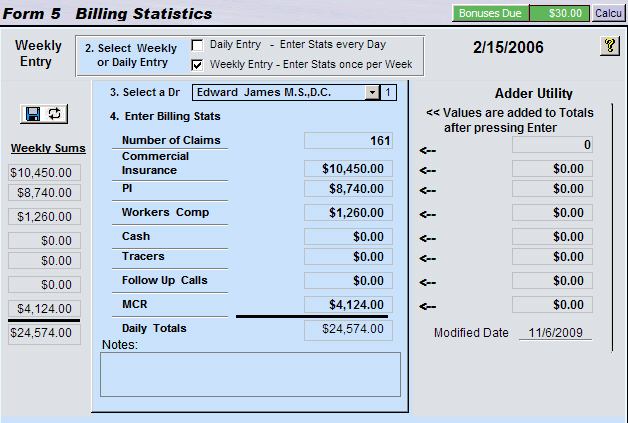
New Patient Types, and Billing.
Flexibility: After the data has
been saved in the current form, pressing the enter key will
save and close the current form and open the next form ready for
data entry.
All forms will appear automatically. Any of these forms can be disabled from the Auto Move Utility
through the [Set Order] feature mentioned in the next paragraph.
Disable Auto Move (Single-Form Operation):
Un-check this option will set
the data entry to
single form operation.
This means after
entering data in a particular from, hitting the enter key will
save the data and then navigate to the next date within the current
form.
This mode makes
it easy for those who need to catch up entering several days of a
particular category of data in one form.
Change the Order which you enter data:
The order by
which the data forms appear can be customized. Clicking on the
[Set Form Order] will start the wizard
(Note: Click on link above to see the Form Ordering Form.
Skip Saturday and Sunday Option:
If you have the option: "Skip Sat and Sun"
and "Auto Move" enabled the
StarStats™ will navigate from Friday to
Monday skipping Saturday and Sunday.
Un-checking this option StarStats™ will
move to the next day which would include Saturday and Sunday.
The user can always navigate to any date manually by using the
date navigation at the top of the form.
|











 ...office growth solutions